








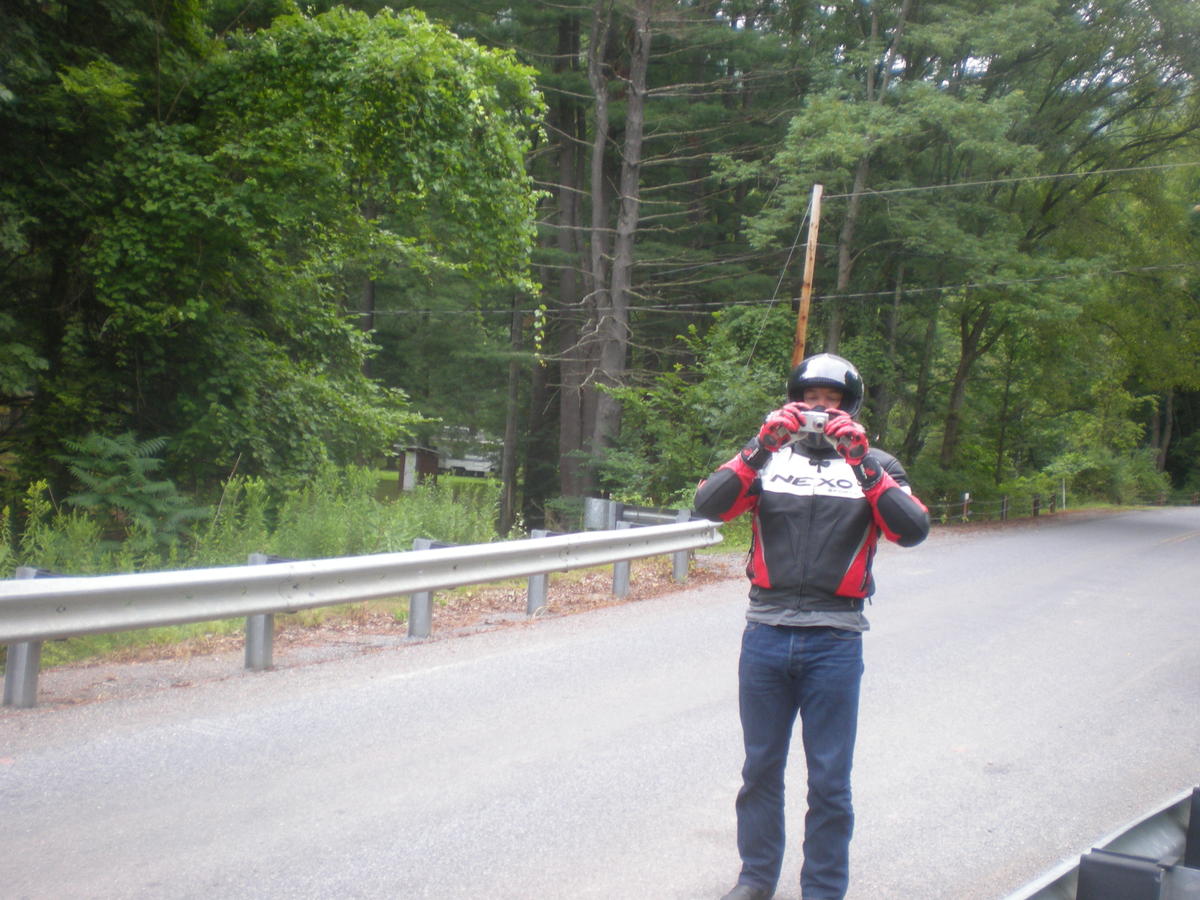
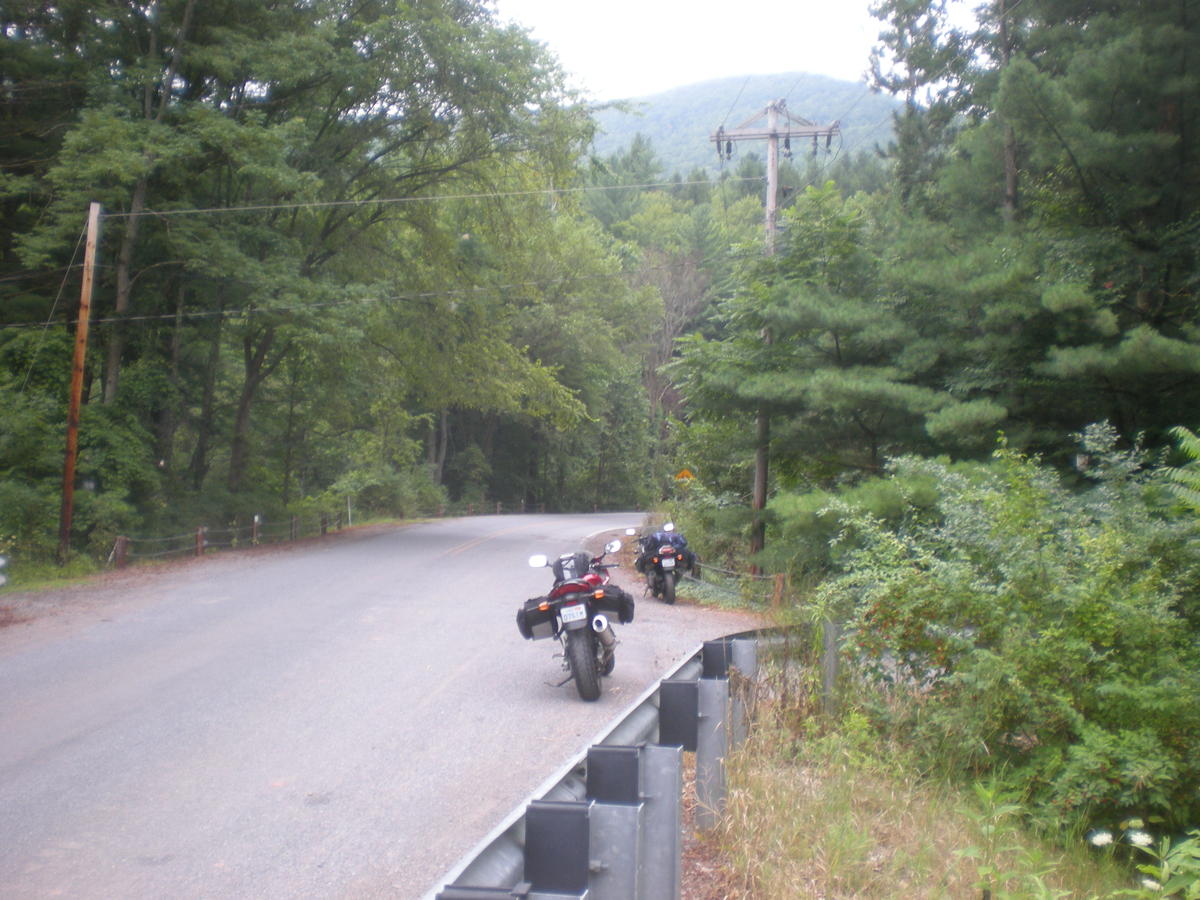
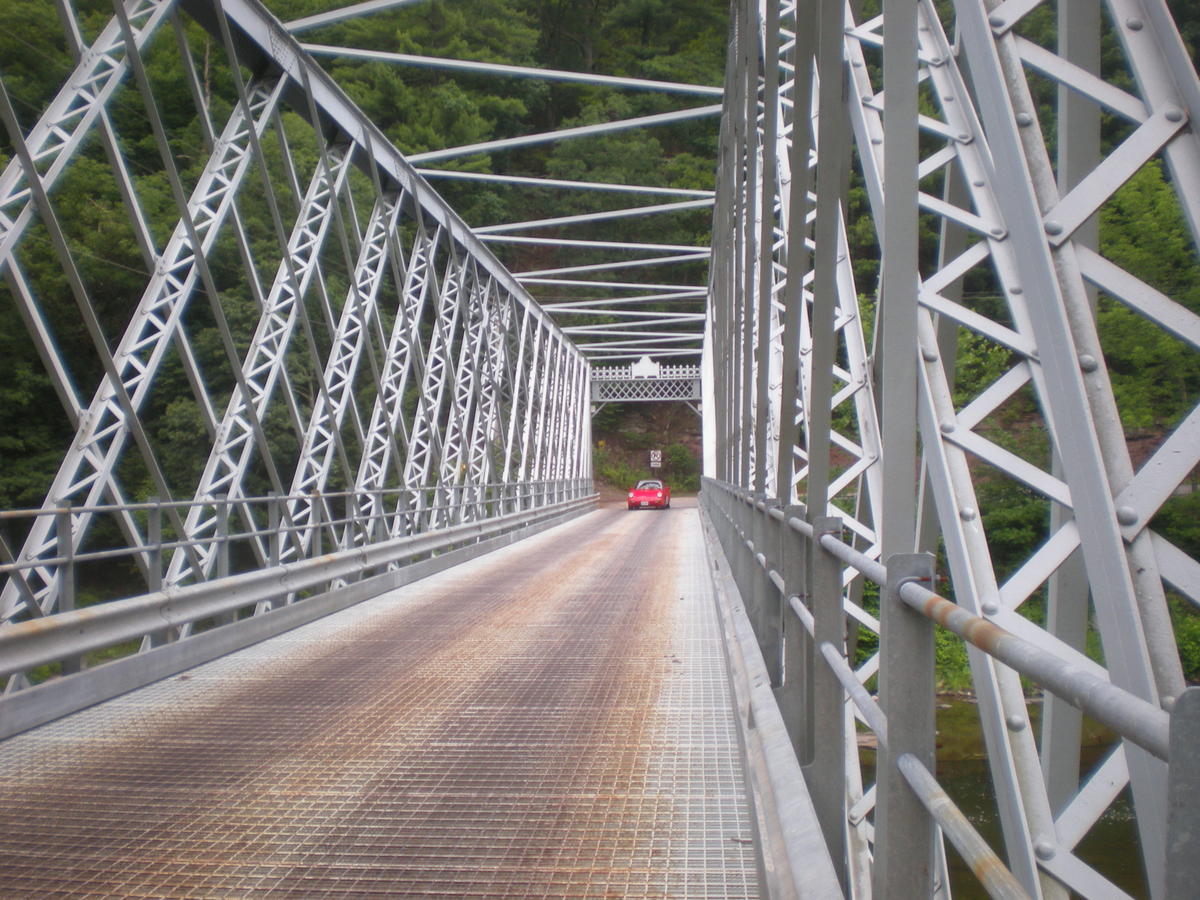
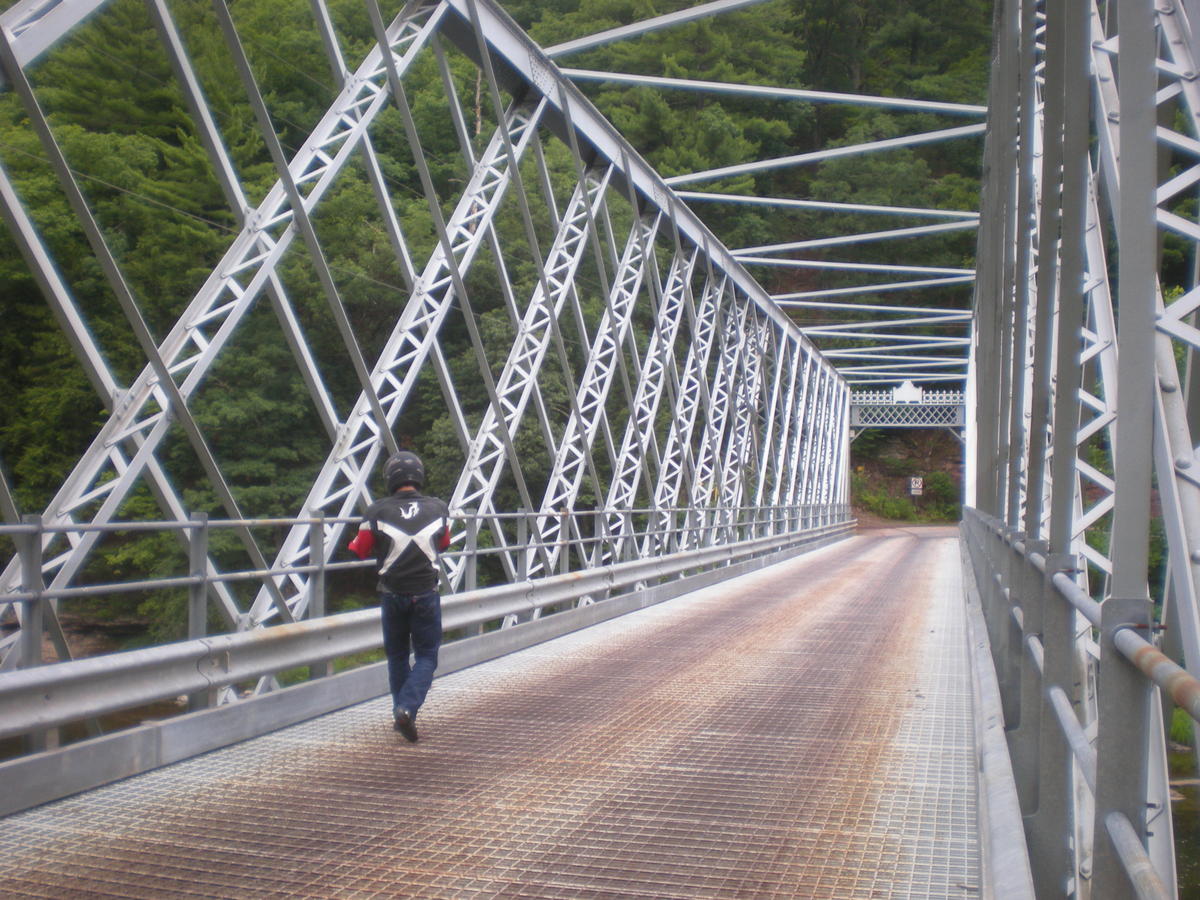

















Clicking on a thumbnail will enlarge the image. Once enlarged, you can either click on the left half of the image to scroll to the previous image, or click on the right half of the image to scroll to the next image. There is also a "Close" button in the bottom of the enlarged image, in case you want to go back to viewing all the thumbails.If you wish you save the image, you can either right click on the enlarged image and click "Save As" (or whatever simimlar text shows up in the menu of your browser) or scroll to the bottom for the link to the fullsize images.
Fullsize images from ninjaDave can be downloaded individually here.
To return to the main index, click here.